
Portal functionality
Find strategy, performance, API key, and organization controls.
The Customer Portal organizes your Breeze integration into four areas: organization performance, strategies, API keys, and organization settings.
Organization overview
The overview provides a snapshot of activity across all strategies:
- Total deposits
- Fees earned
- Current APY
- Total users and user earnings
- Active strategies
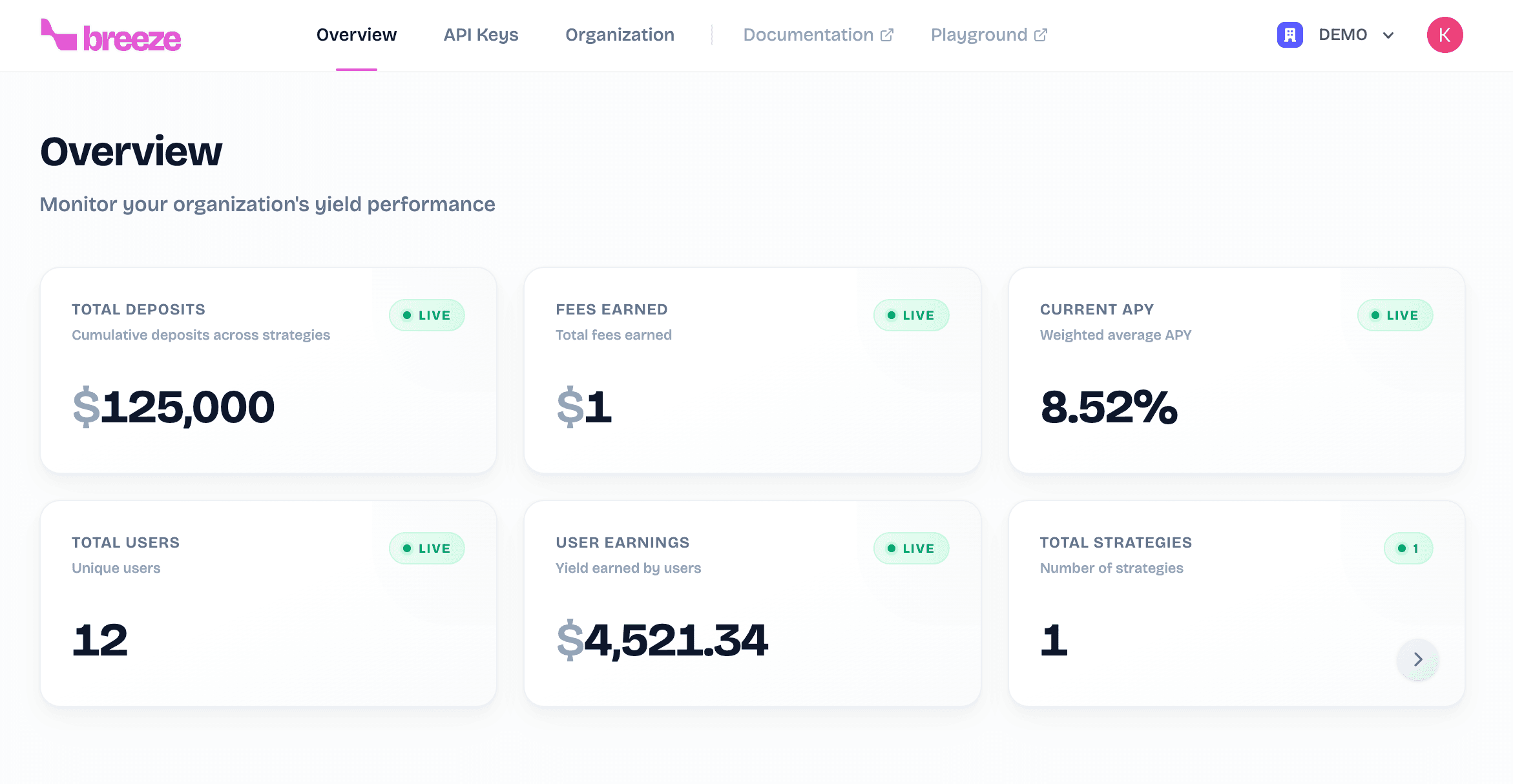
The performance charts show TVL, fees earned, APY over the selected time range, and allocation by asset.
Strategies
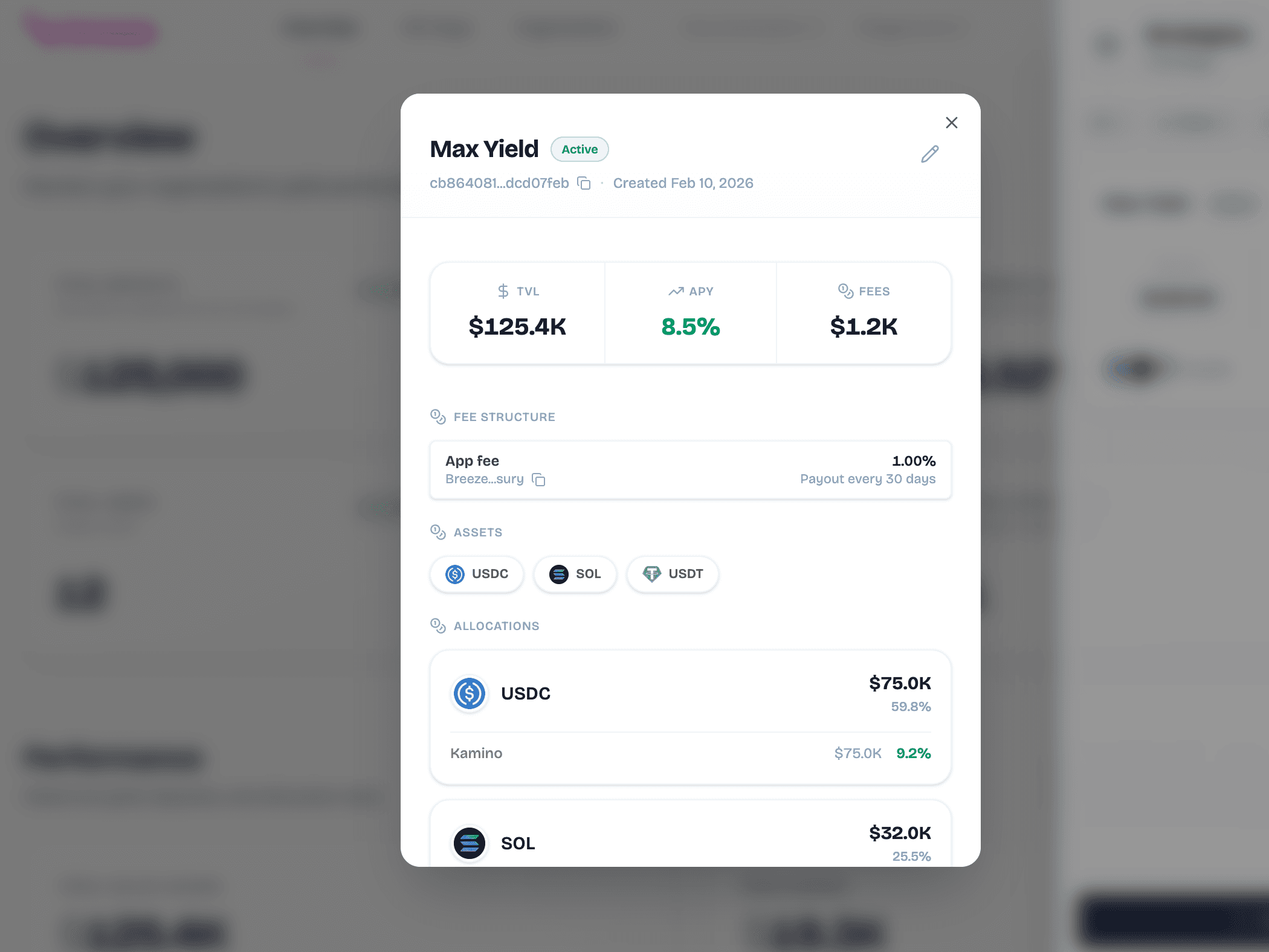
Open Strategies to see every strategy in your organization and its current status. Select a strategy to find its strategy ID, supported assets, deposits, fees, APY, and allocation across supported lending protocols.
API Keys
Use API Keys to create and manage credentials for the Breeze API. Give each key a name that identifies the application or environment using it.
Keep API keys server-side
Keep your API keys secure. Never expose them in client-side code or public repositories.
Organization settings
Use Organization to:
- Configure the Solana fee distribution wallet.
- Add or remove organization members.
- Assign Admin or Member access.