

Getting to the Strategy Creation
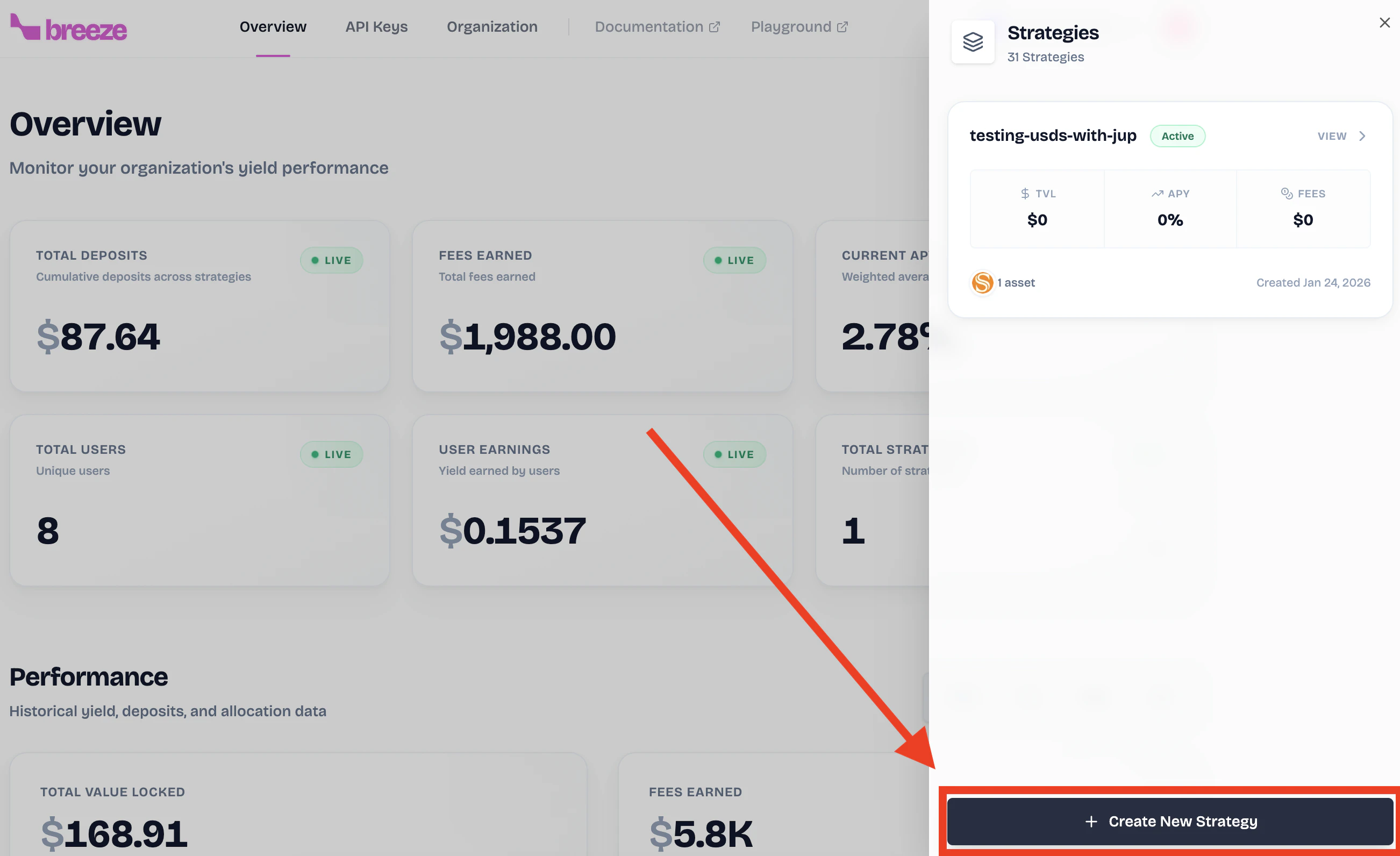
There are two ways to start creating a strategy. Pick the flow that matches your current state:- I don't have any strategies yet
- I already have a strategy
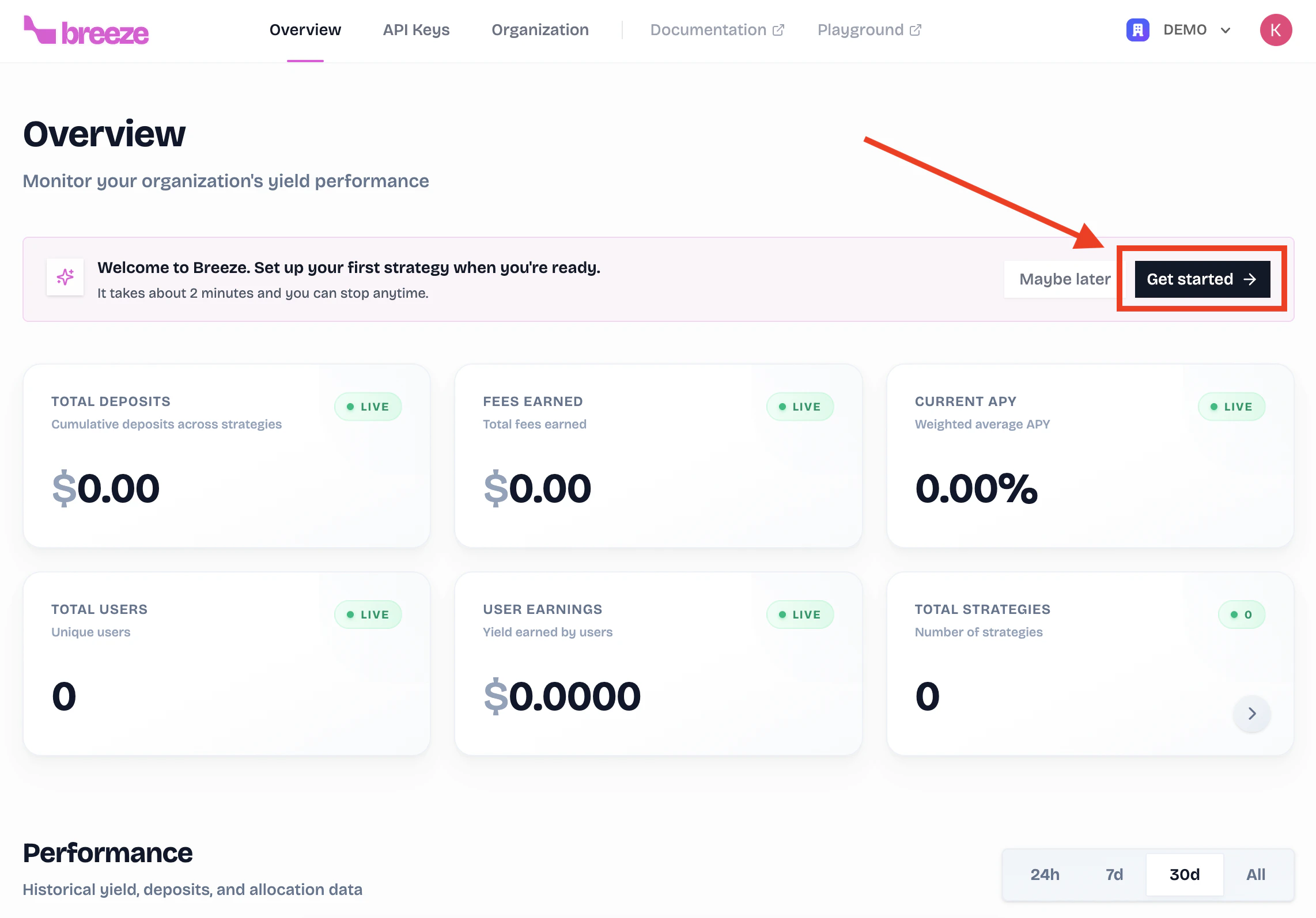
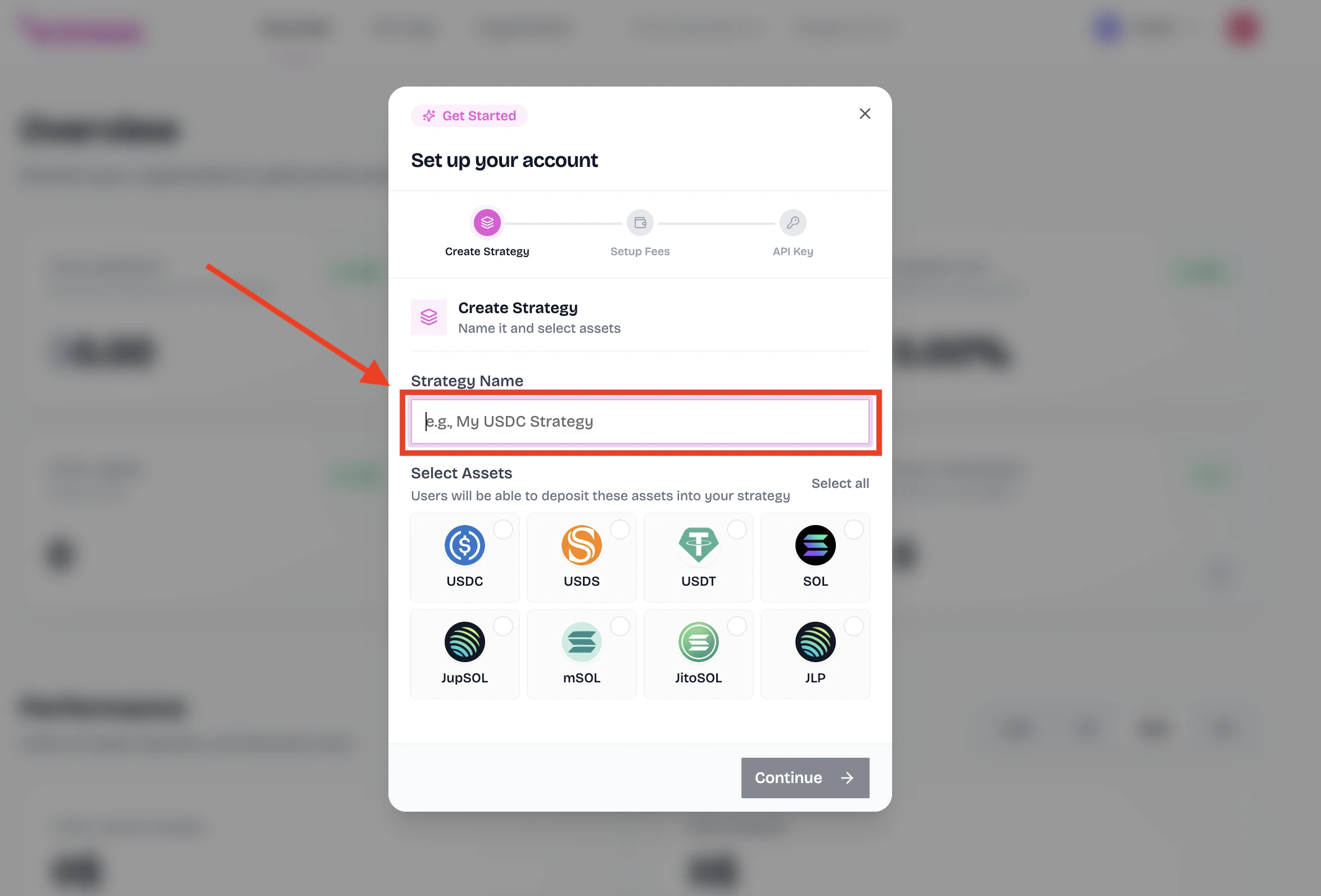
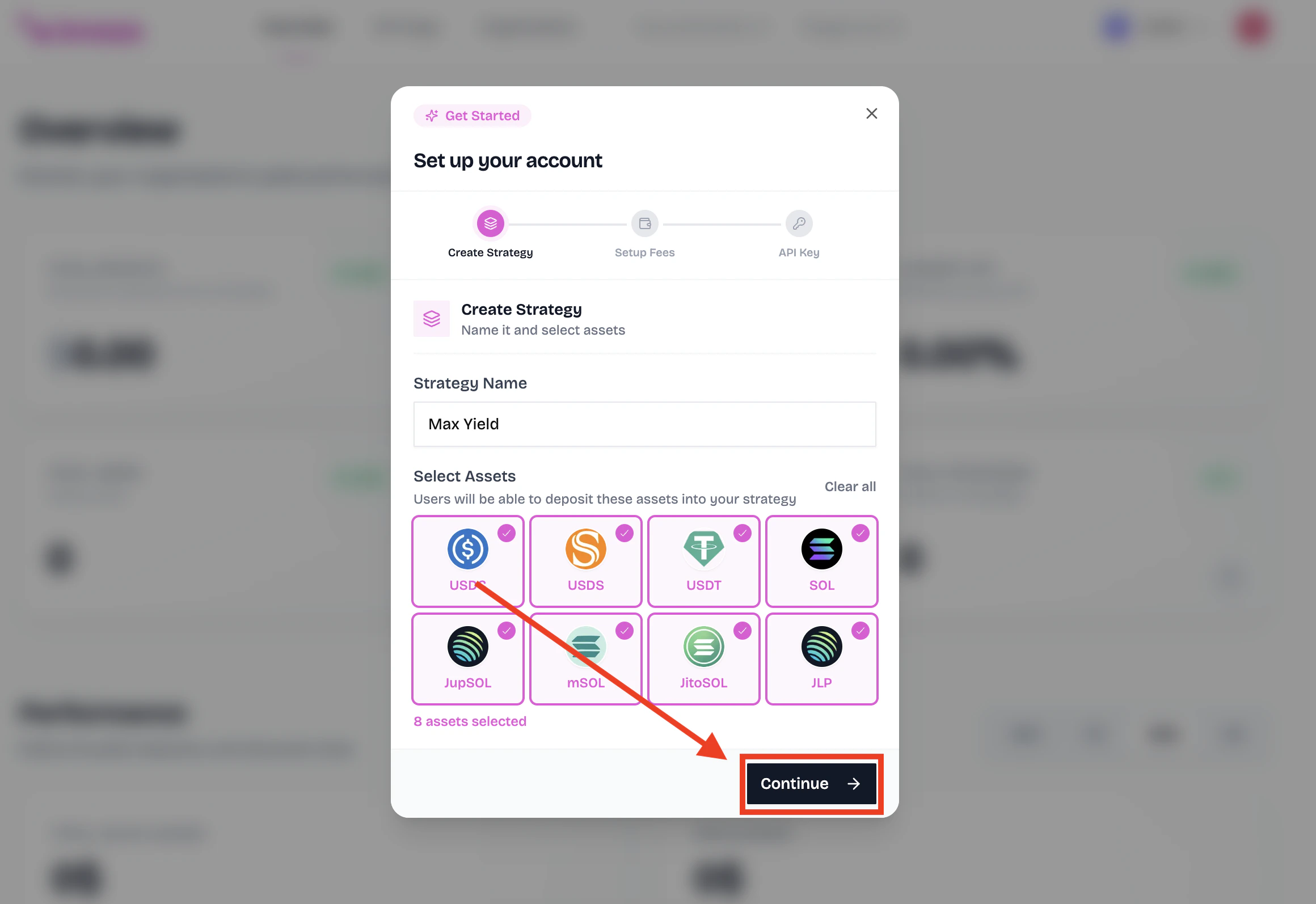
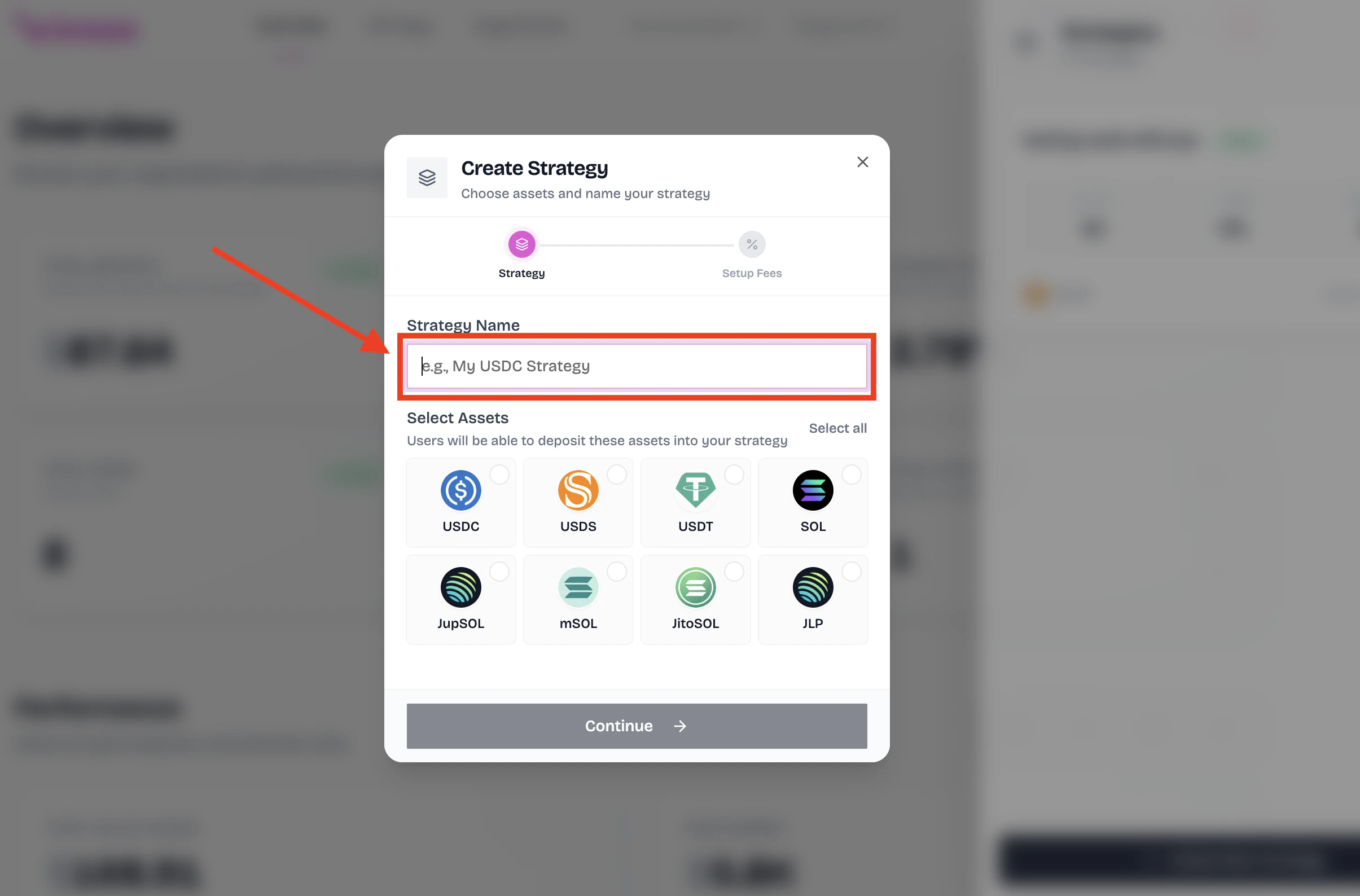
Select the assets you want to support
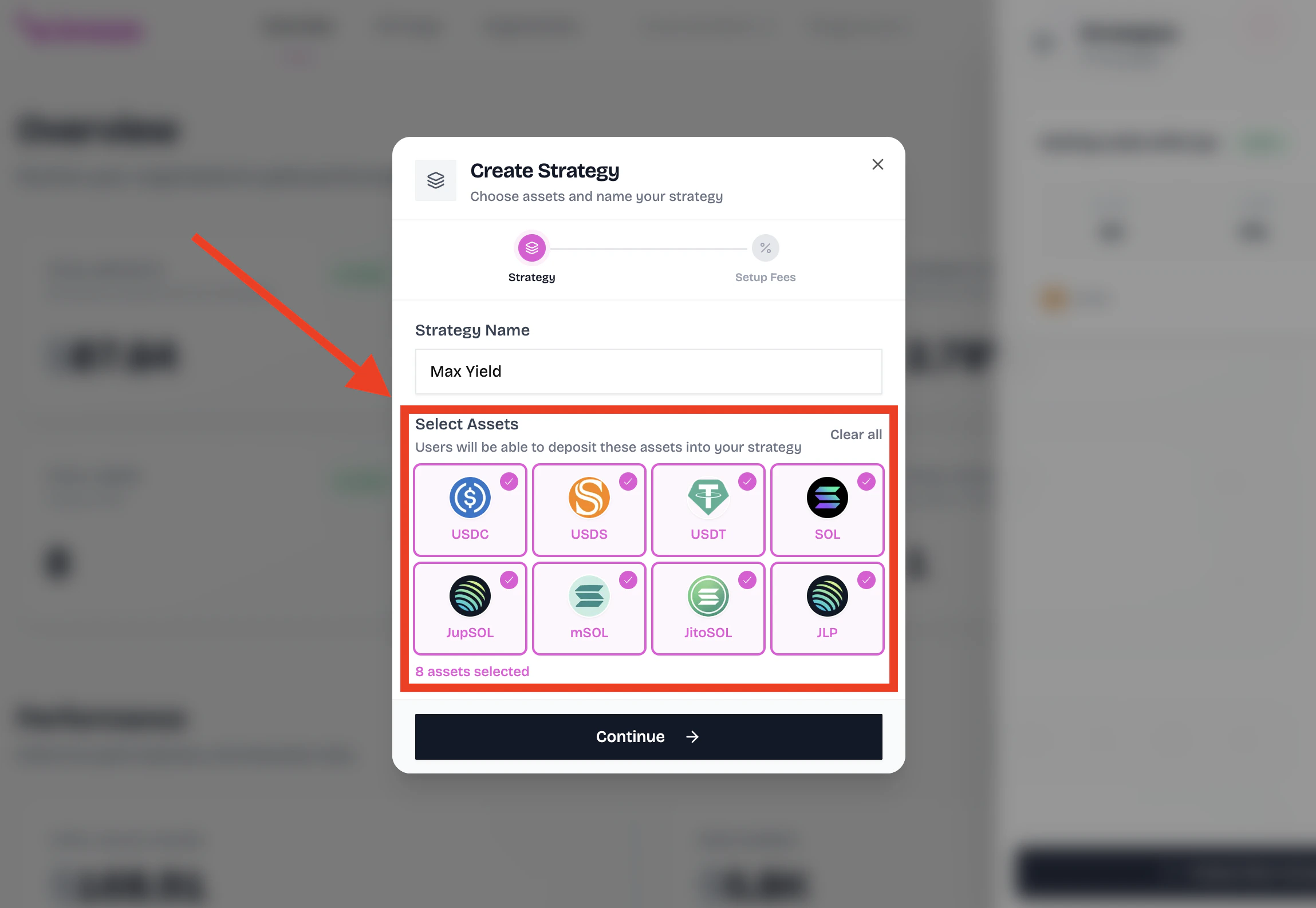
Select the assets you want to support.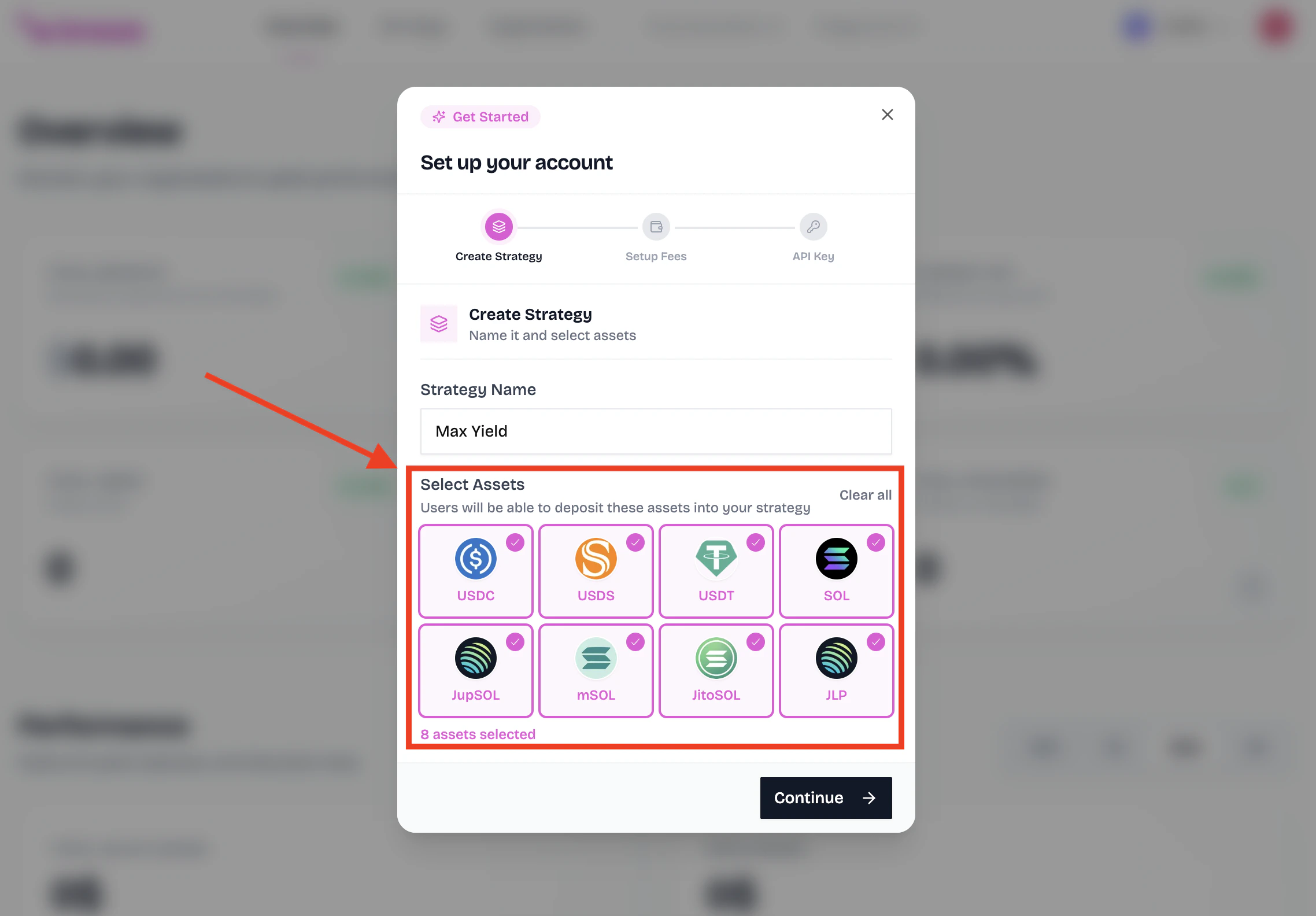
The assets you select here determine which tokens your users will be able to deposit into your strategy to earn yield.
For example, if you select USDC and SOL, your users can deposit USDC or SOL and earn yield on their deposits.
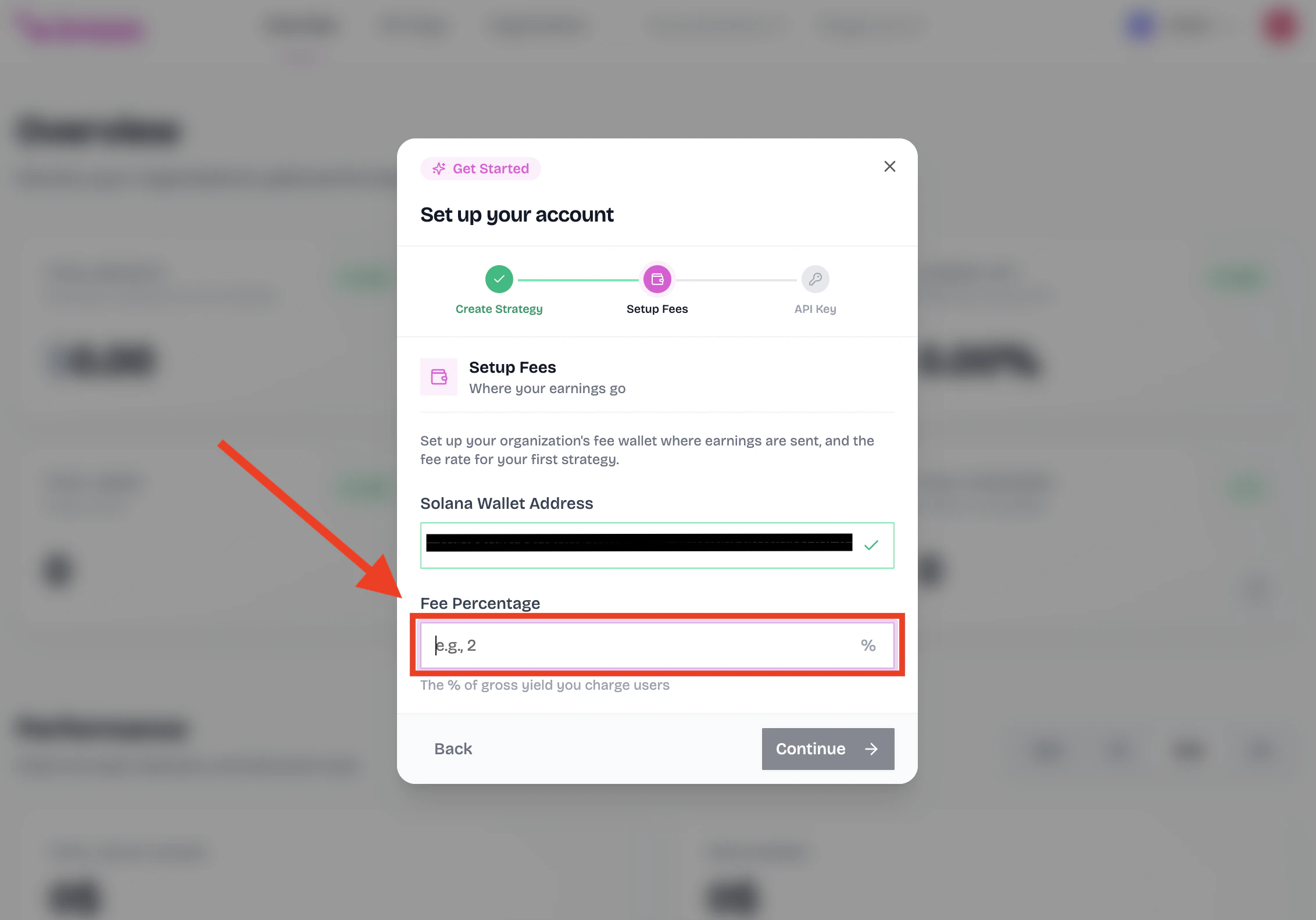
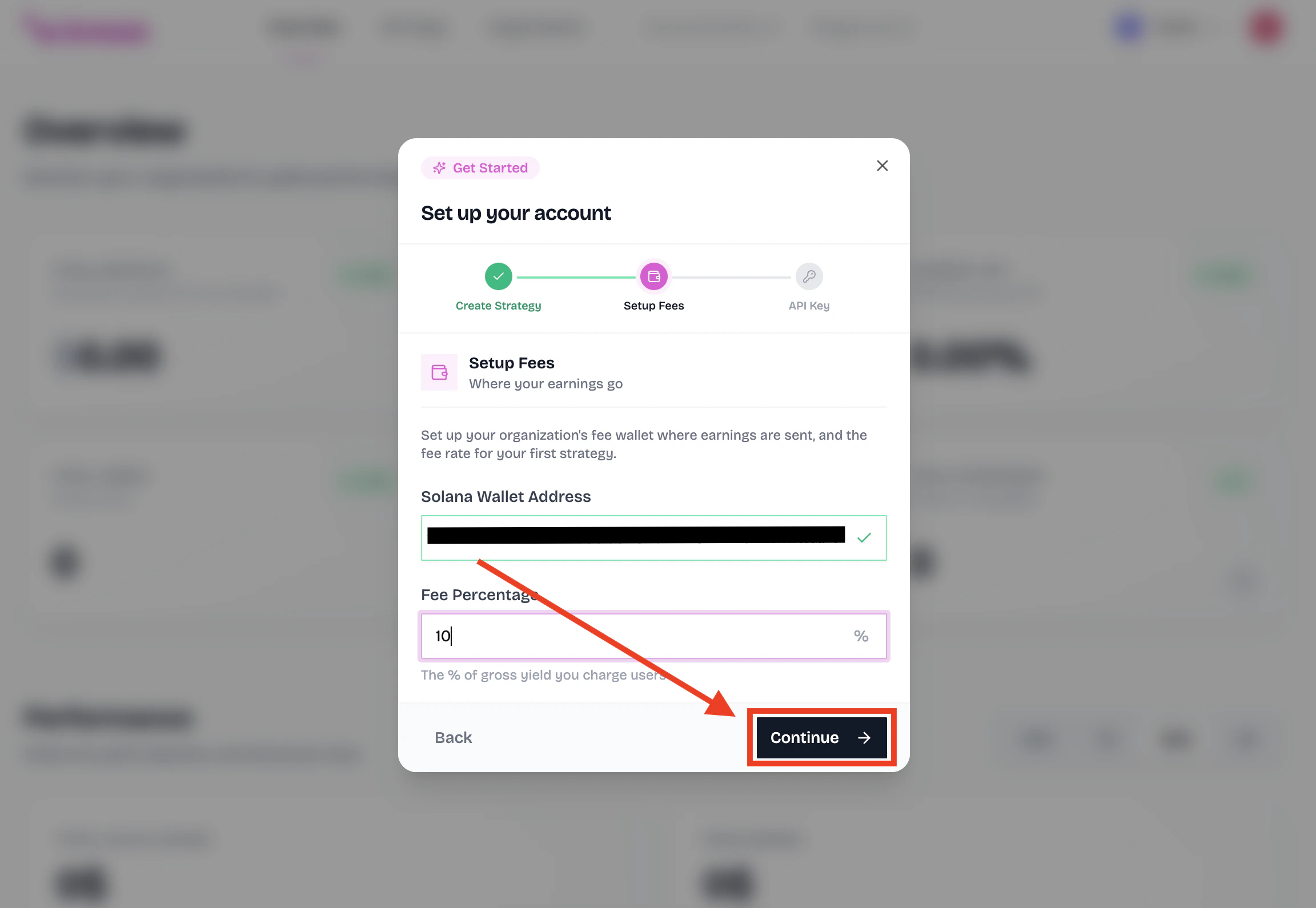
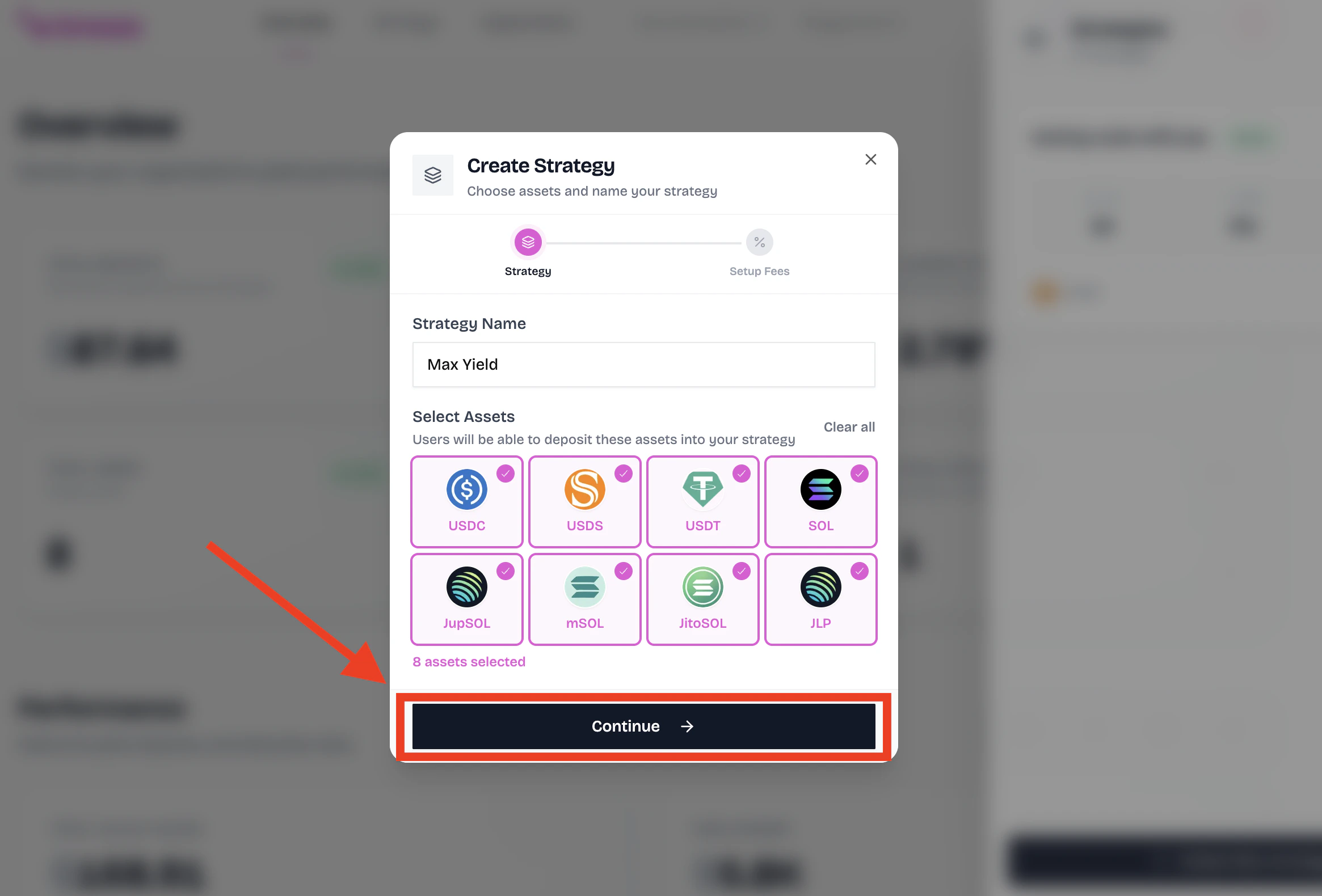
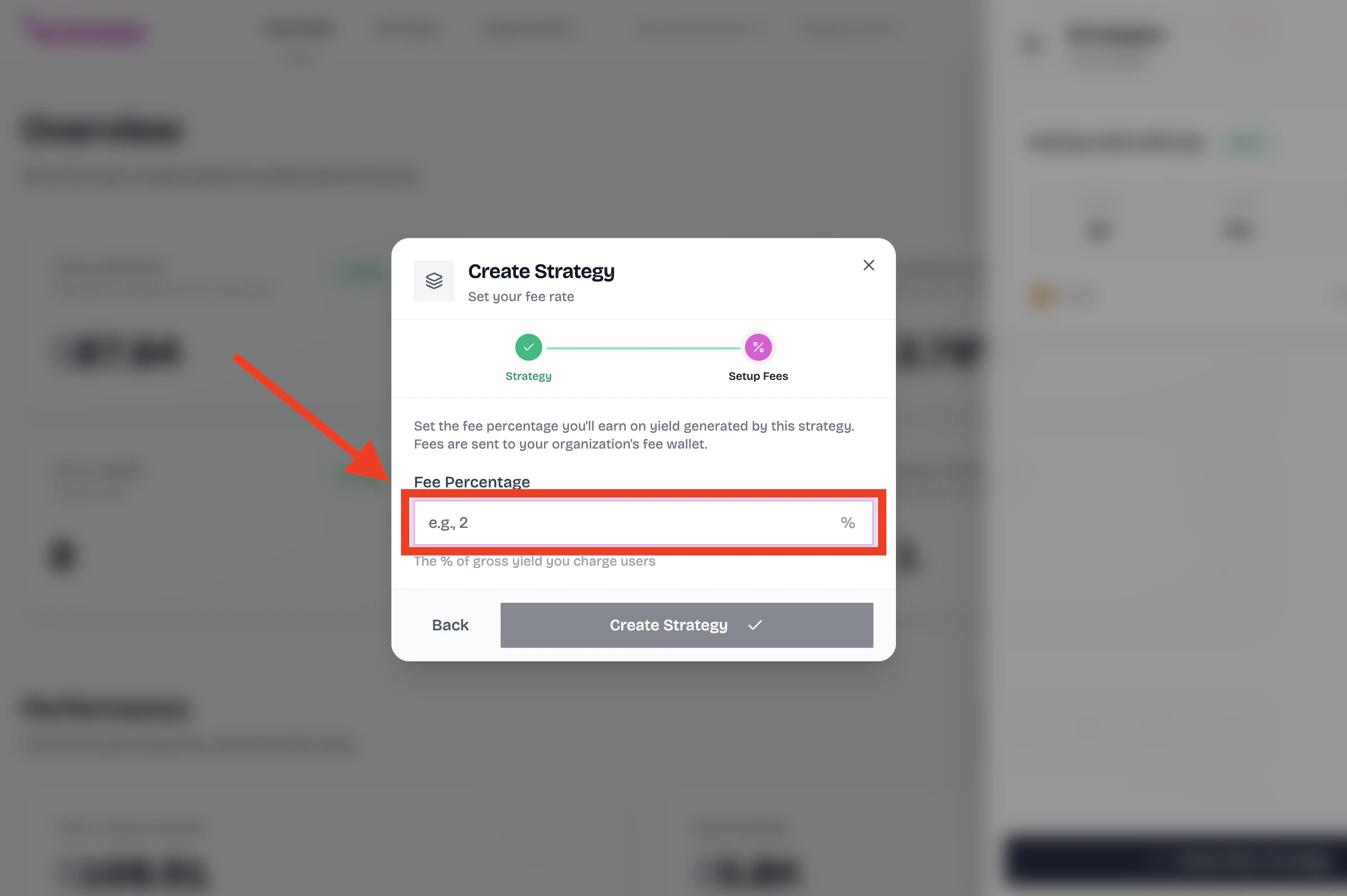
Set up the fee distribution wallet
Enter the Solana wallet address where you want to receive the fees from your strategy.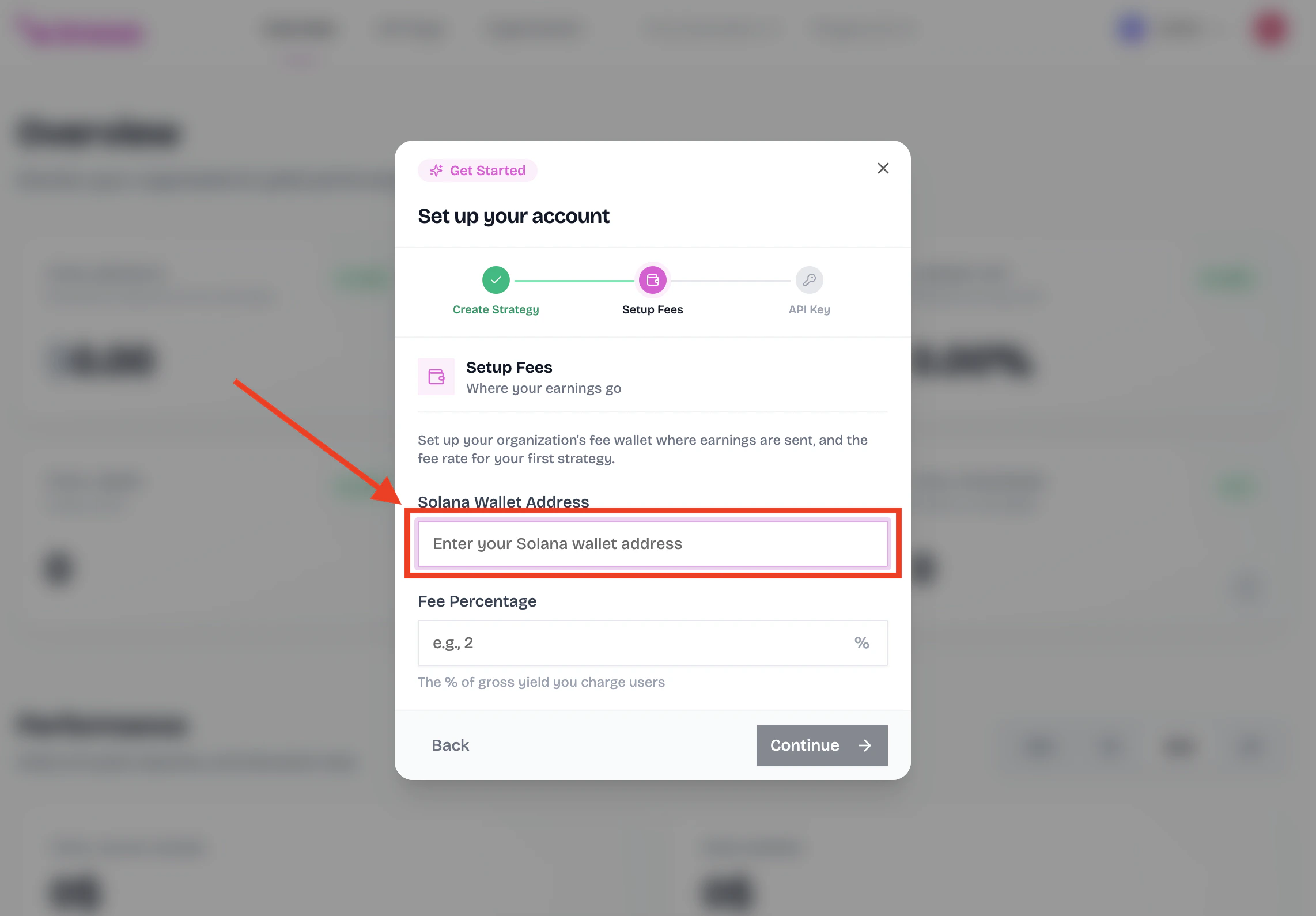
Enter the API key name
You can access your API keys at any time from the API Keys section of the dashboard.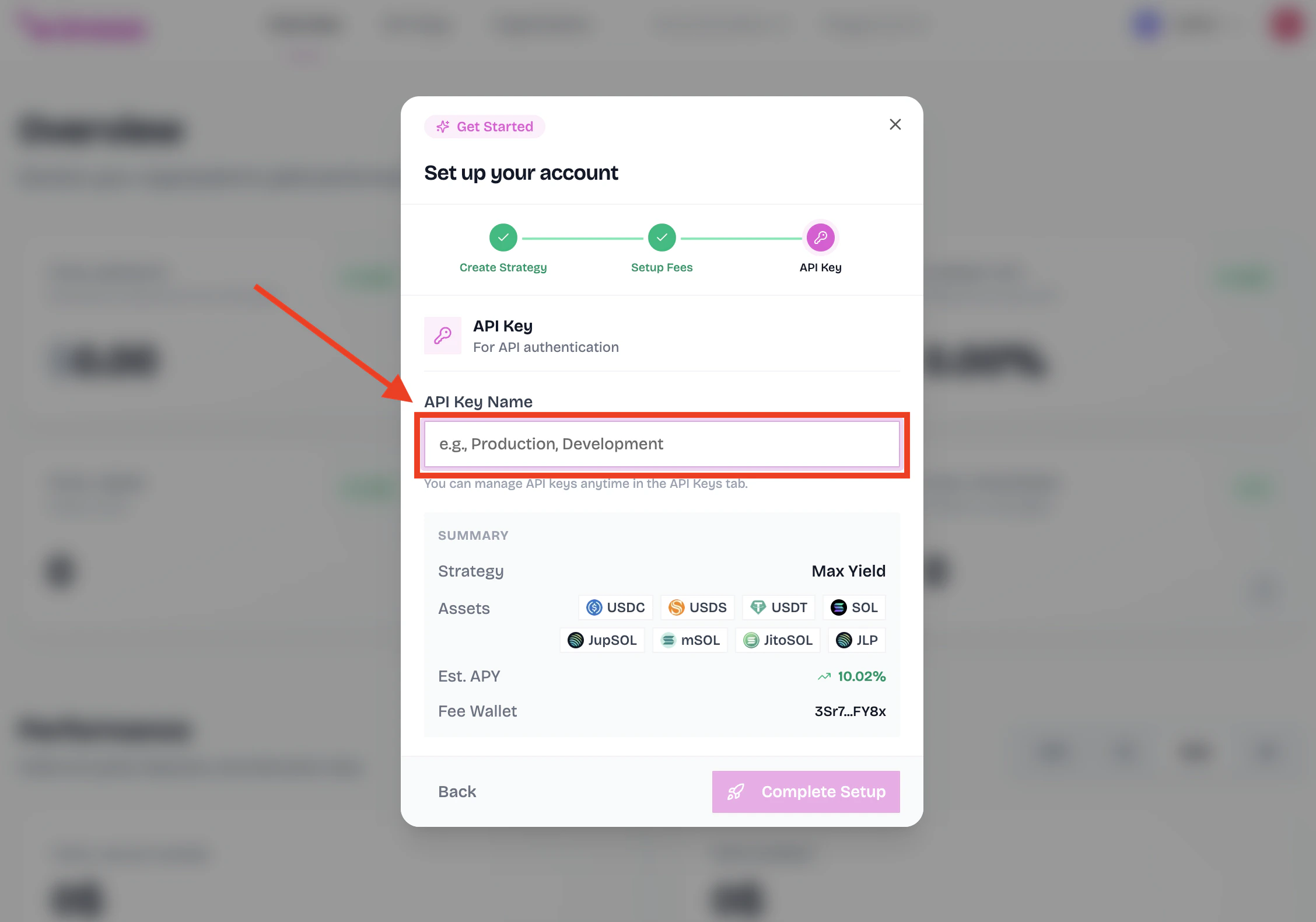
This can be any name you want.
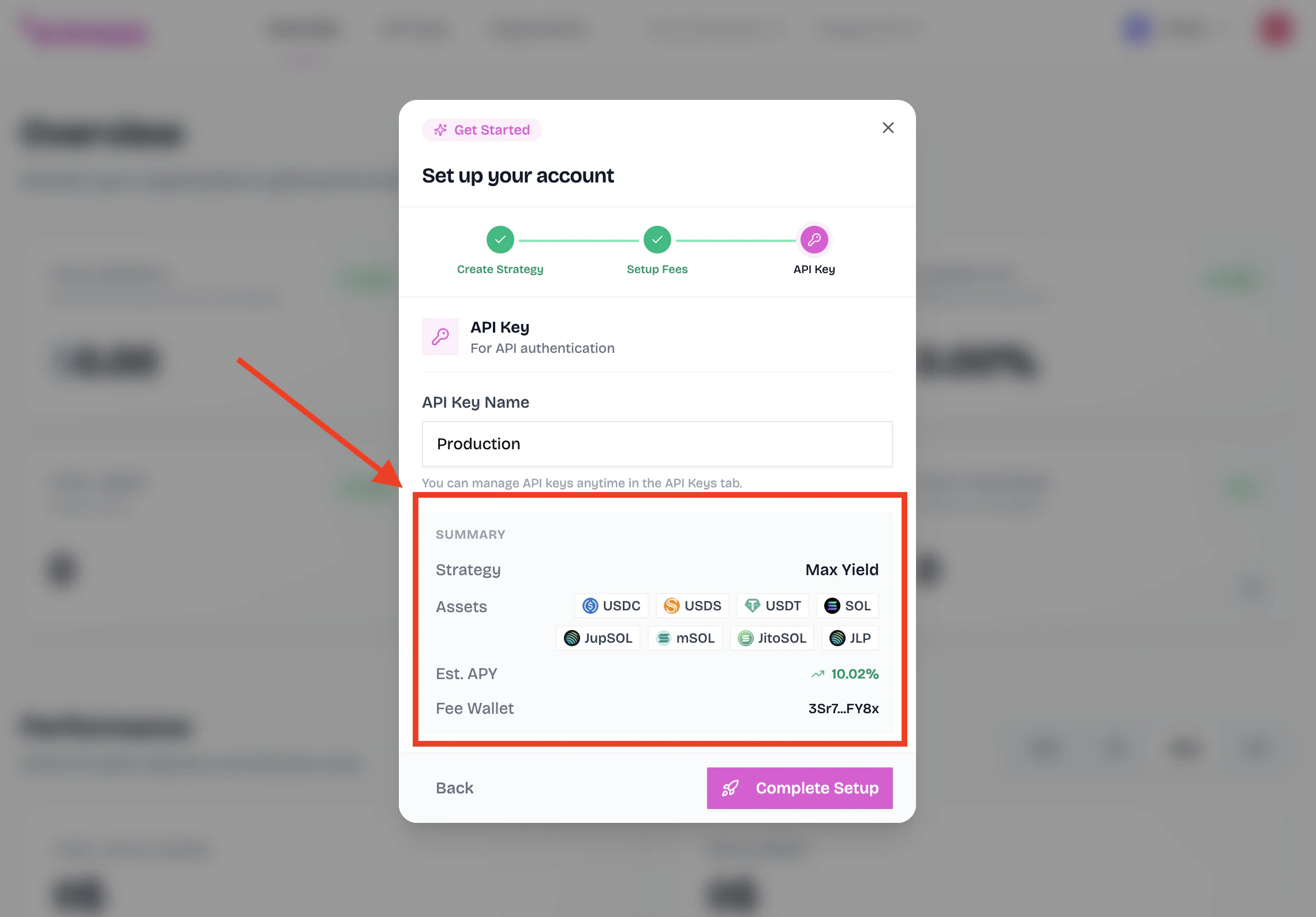
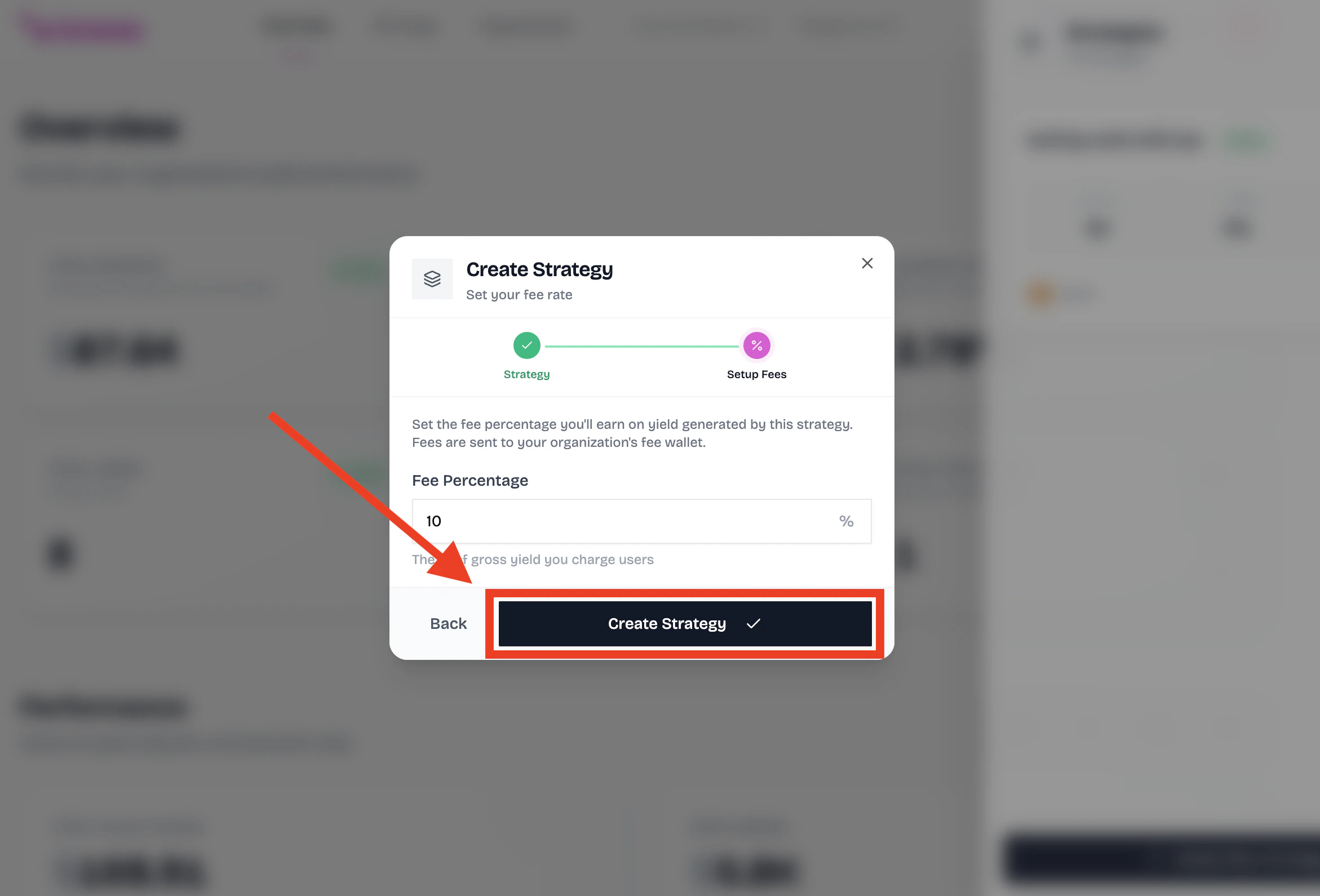
Review your strategy congiguration
Review your strategy configuration and click the ‘Complete Setup’ button to create your strategy.
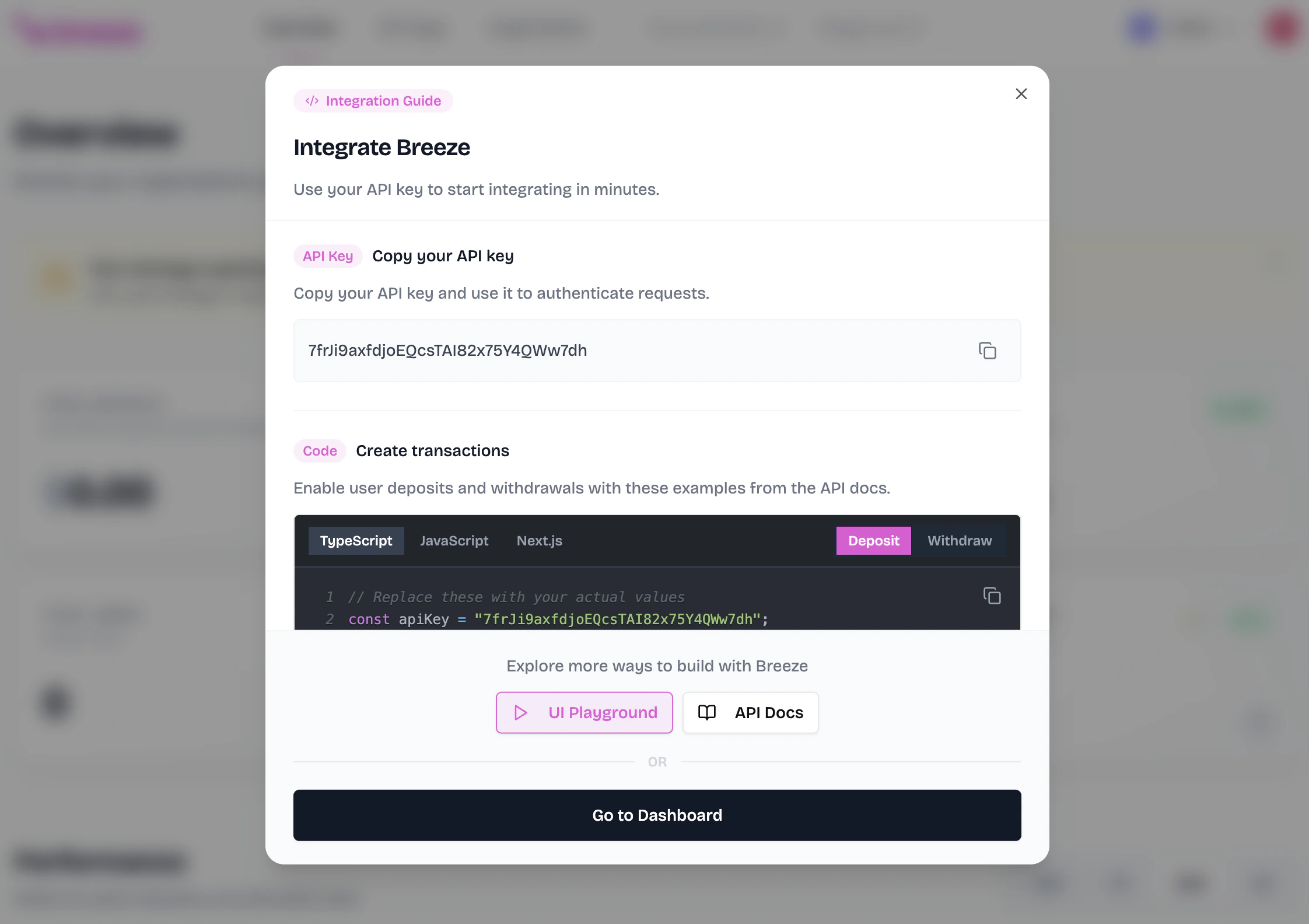
Checkout our integration guide
Checkout our integration guide to learn how to integrate Breeze into your application.
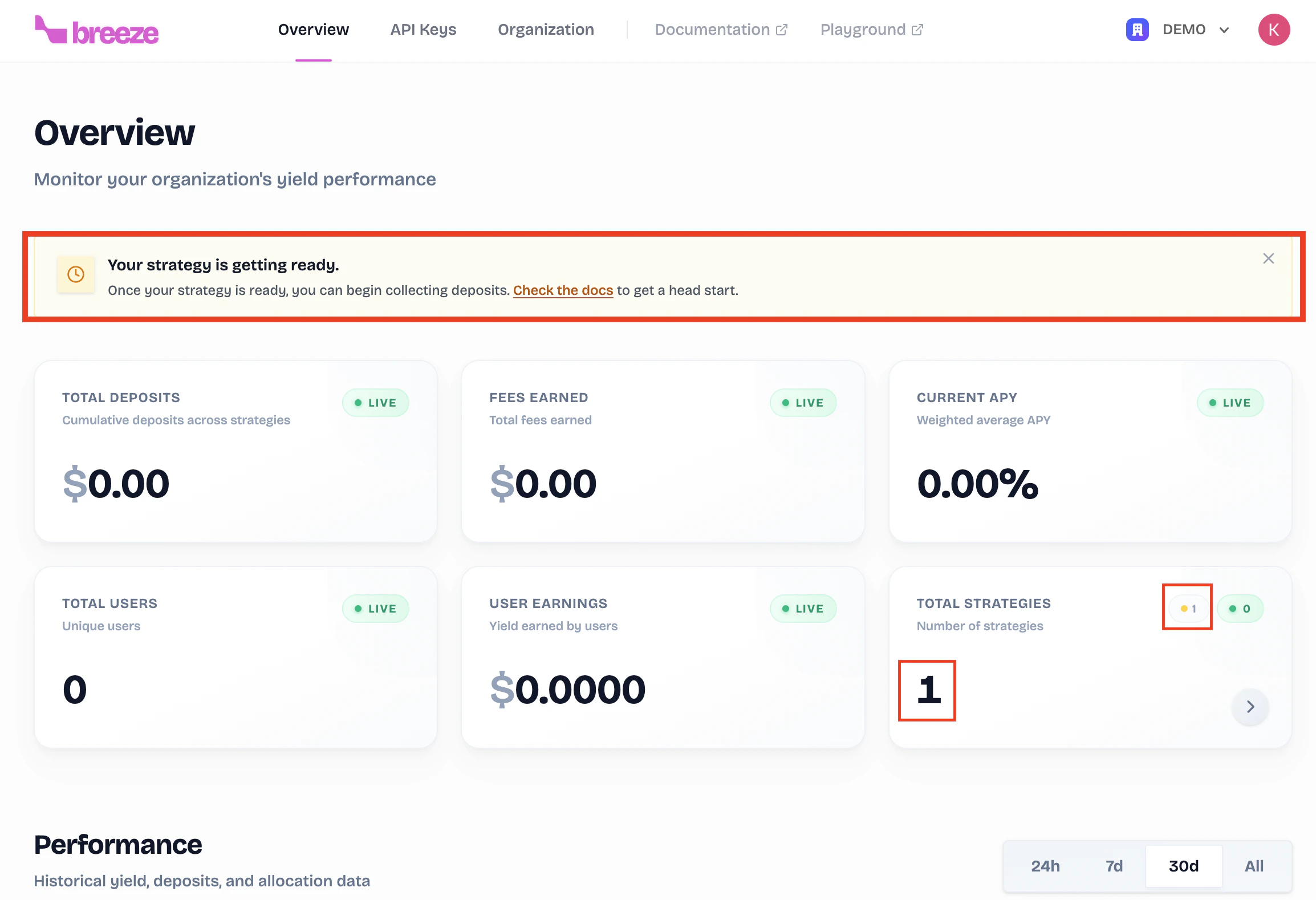
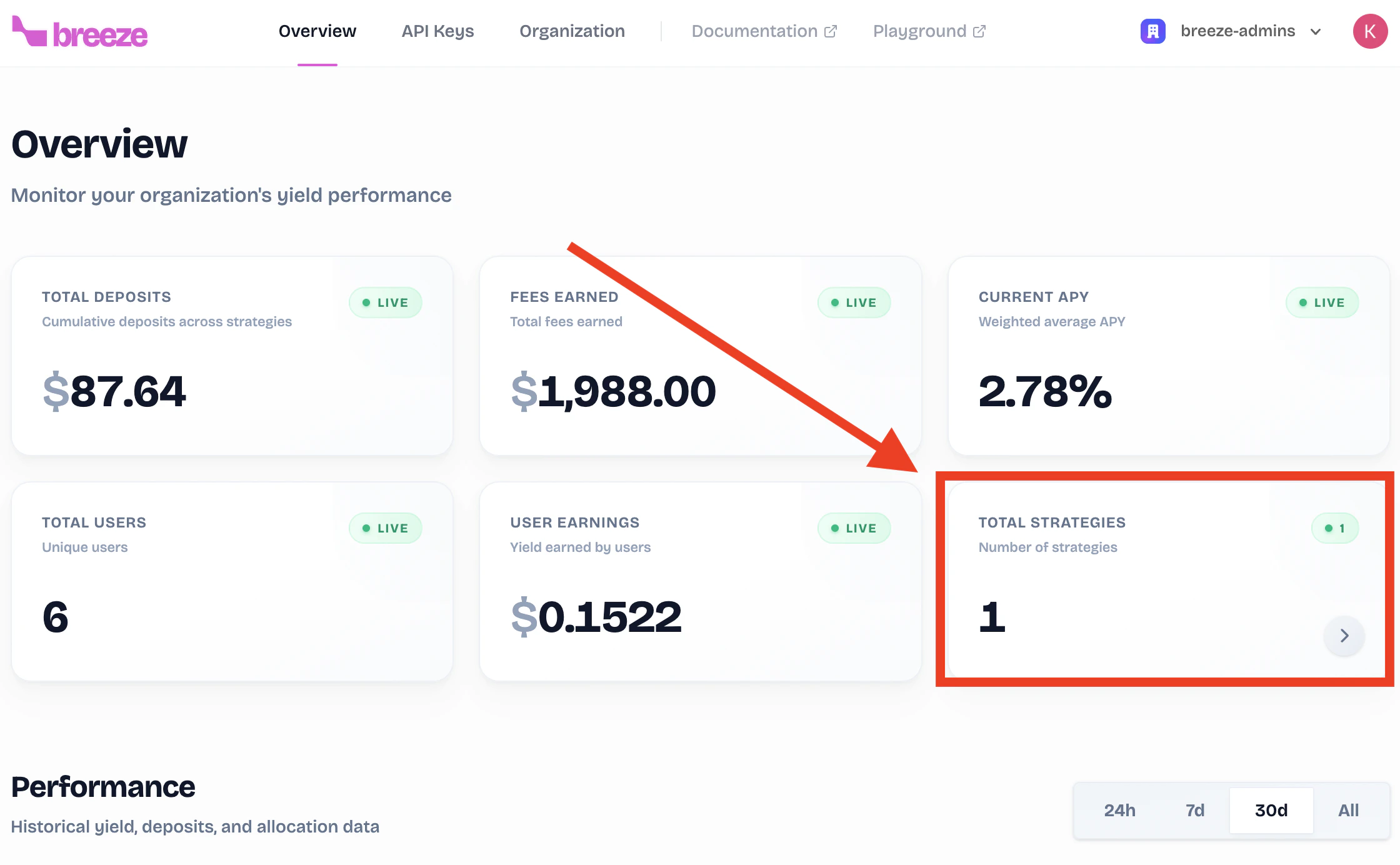
What’s Next?
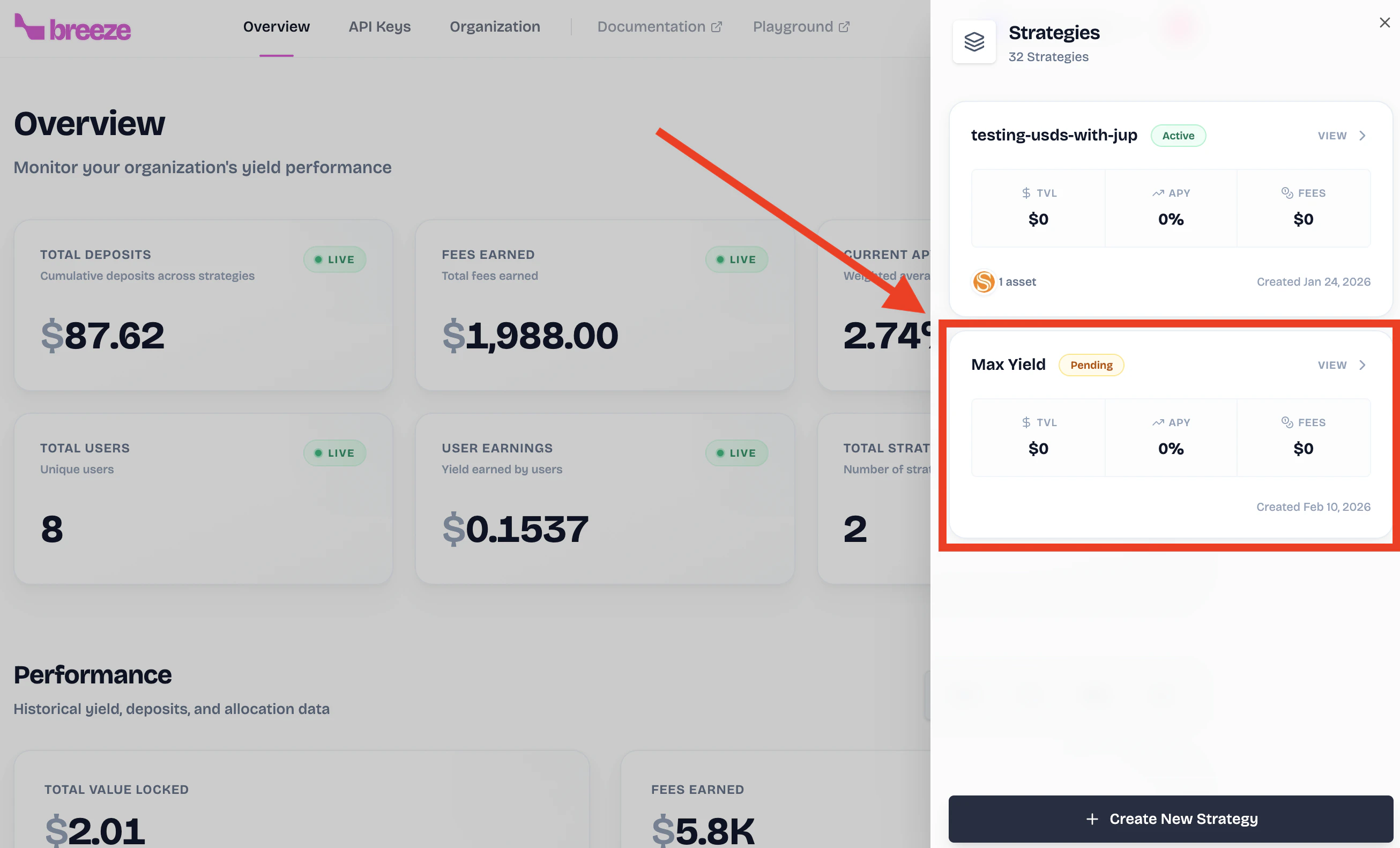
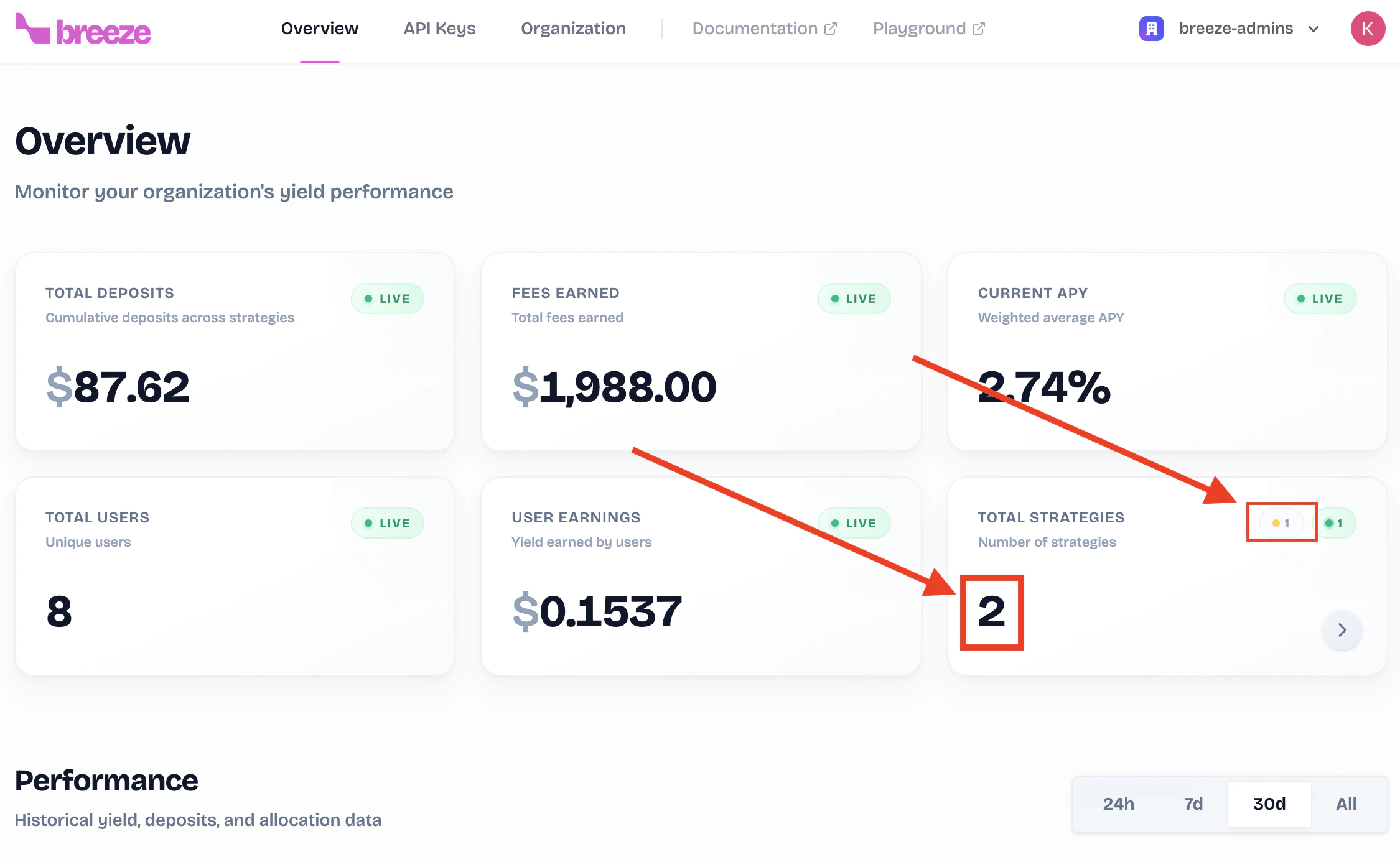
Once your strategy is created, you can:Get Your API Key
Generate an API key to start integrating Breeze into your application.
Integration Guide
Follow our integration guide to connect your strategy to your app.